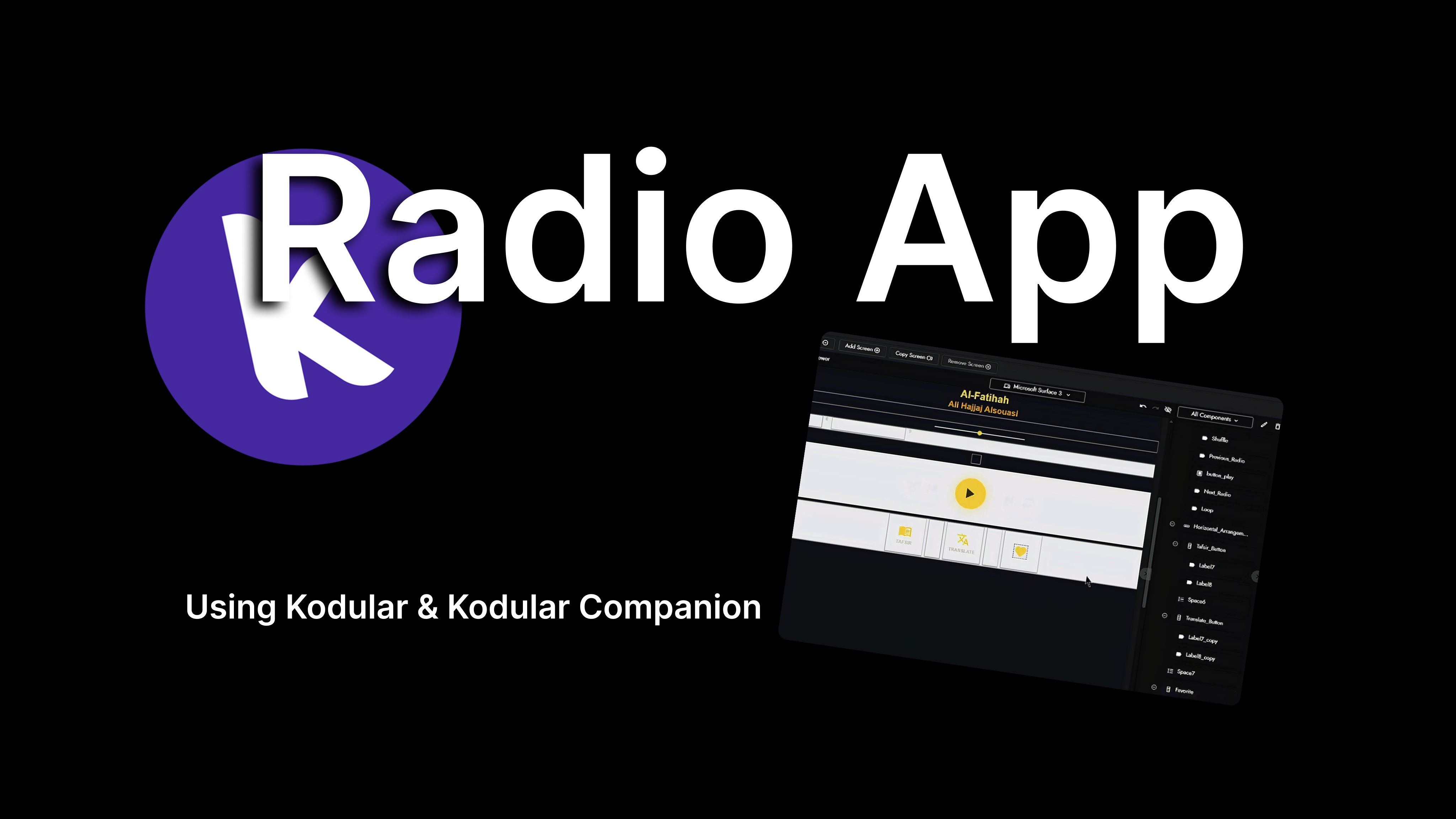
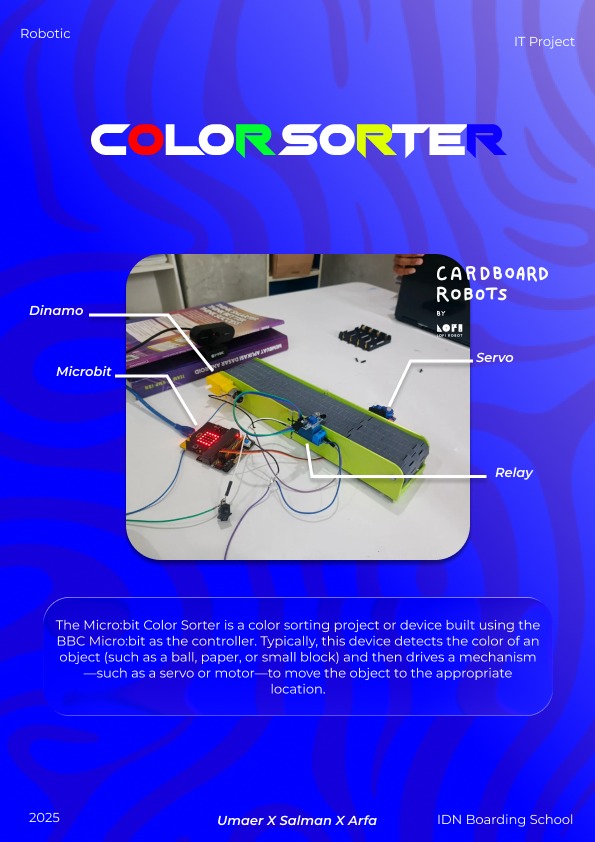
So I’m making this with a “Kodular” App, which is this is the second time im using this app (Software or whatever it is), and this is radio app!, when the app gets open, a murottal have started, and this is
So right here i’m making the first ever project in 9 grade especially semester 1, it is making an app for phone it is “Card View”, so right here i’m making the app using the “Kodular” Website, it features enough elements to make an basic android app, and for me its quite hard cuz there’s been an error every time i connect to my phone, but i able to fix all the bugs and, there you go. First Project done
Smart Greenhouse Home adalah konsep inovatif yang menggabungkan sistem greenhouse dengan teknologi smart home untuk menciptakan lingkungan modern dan ramah lingkungan bagi manusia maupun tanaman. Dengan menggunakan sensor, otomatisasi, dan perangkat yang terhubung ke internet, sistem ini mampu memantau suhu, kelembapan, kondisi tanah, serta pencahayaan secara real-time sekaligus mengontrol penyiraman, ventilasi, dan fungsi lainnya secara otomatis. Proyek ini menunjukkan bagaimana teknologi dapat meningkatkan efisiensi, mendukung gaya hidup berkelanjutan, dan menciptakan masa depan yang lebih cerdas di mana alam dan inovasi digital dapat bekerja bersama secara harmonis
Hello guys! Today I’m giving a detailed and easy-to-follow tutorial on creating a Microbit temperature project using Microsoft MakeCode. You’ll only need a Microbit, a USB cable, and a browser to start programming. This video is IT Tutorial 2, recorded right after the first presentation, and the complete guide is already posted on my website. In this tutorial, I explain every step clearly—from connecting the Microbit to coding the temperature display—so you can learn, practice, and understand how it all works. I hope this helps you build your own project confidently. Enjoy learning and have fun experimenting!
Hello guys! Now I’m giving a full tutorial about making a Microbit temperature project, and in this tutorial I’ll be using Microsoft MakeCode along with a Microbit, of course. This video is part of my IT Tutorial series, and this one is IT Tutorial 2, which is the recording. The first one was the presentation, and now I’m continuing it with a step-by-step guide. I explain how to set up the Microbit, how to open MakeCode, and how to program the temperature feature so you can follow along easily. The complete tutorial, including this recording and all the instructions, is also available on my website in the post section, so you can read it anytime you want. Enjoy learning!
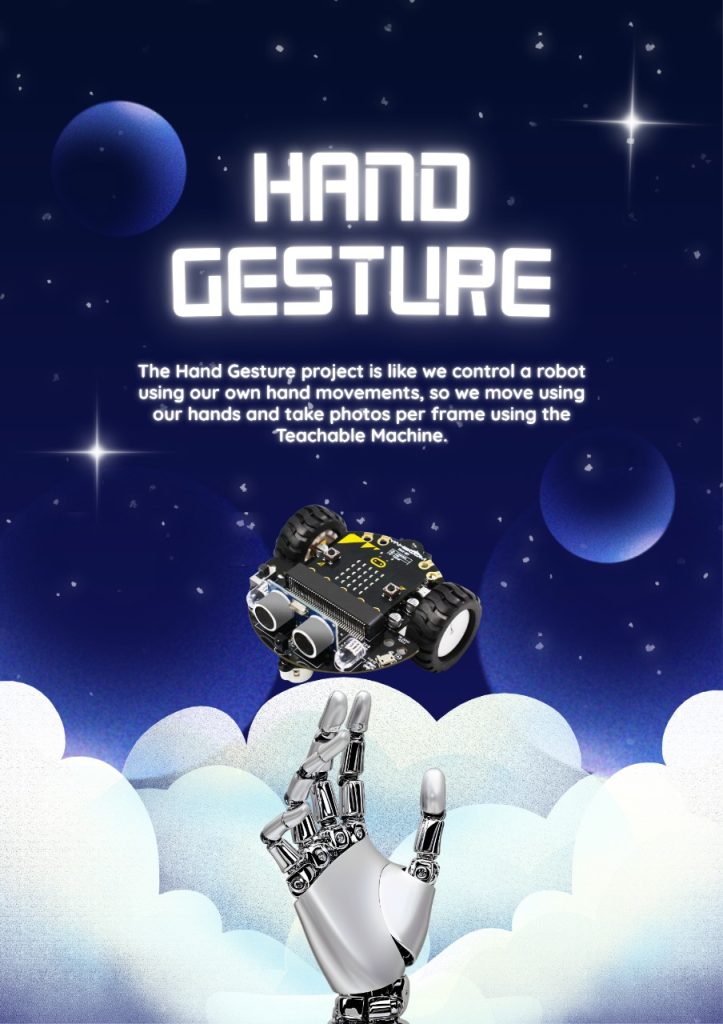
Hello Guys, Now its the tinybit hand gesture and this is using teachable machine, by google, we made a three signal which is stop, move, and turn right(no turn left btw), and this is using teams, although its only two members, but its quite fun
Video About TinyBit Hand Gesture
This is about the video, its inside and opening, explaining the code, and how it works with its Demoing it
This is my final Project english i think before going home 3 days, ita a IT tutorial, so basicly you just presentation in front and the minimum duration is 5 minutes, i presentation about tinybit and my project Maze solving, with its explaning its codes and others
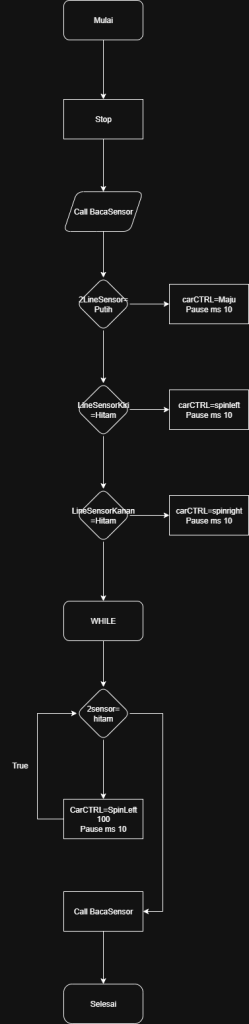
Hello guys, i make this second project Which is tinybit Maze solving, its quite hard when you did not undersstand it, but with while and do, i can do it easily, with two ir sensors
So here we learn about Tinybit soccer but there is a plus, at the end of the tutorial there is a robot soccer match, so the tinybit has many kinds of components, explained in the video, the components are rotors, wheels, extensions, IR sensors, and the tinybit itself and ultrasonic sensors too, but the Microbit is sold separately, (there is a pack too but the basic tinybit package is only the tinybit itself, not the microbit)
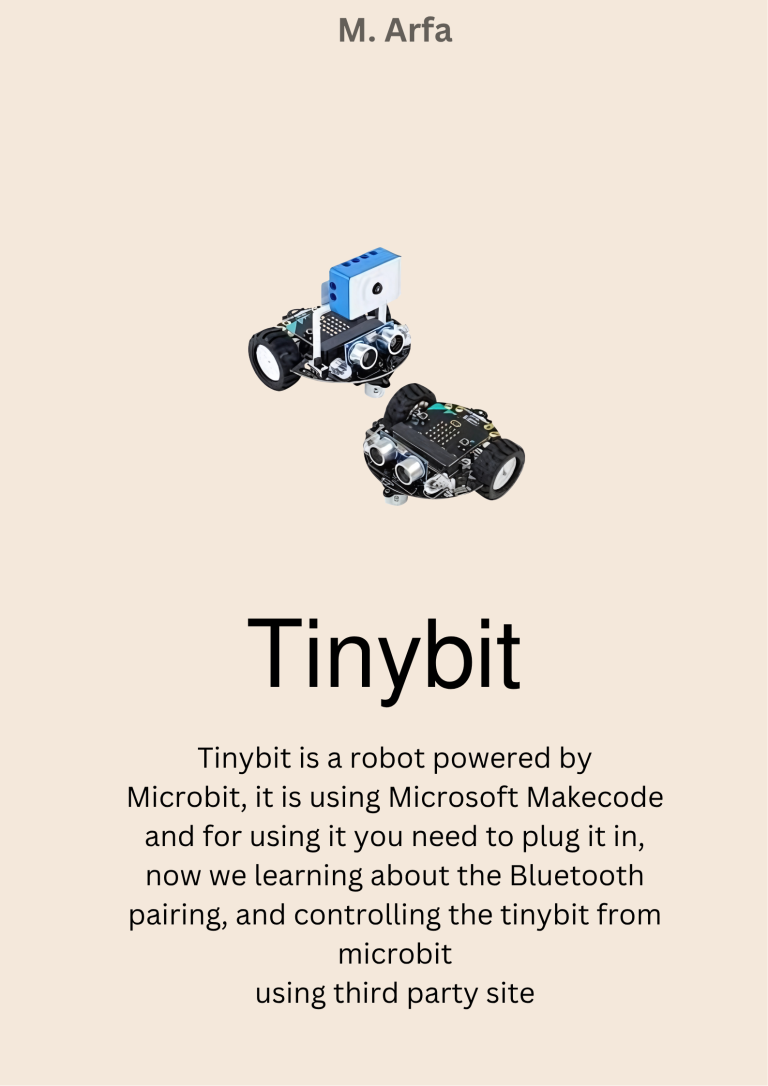
This is my first project ever in 8 Grade, it is tiny bit but this one using Bluetooth, so there is the extension in the Microsoft make code, and using third party site to control it like the arrow for going foward, left, right, back, and horn button also, can be code using the microsoft makecode (still), because its the helper.