3dgifmaker41965
waiting..

My Blog (Arfa)

Categories
Project IT

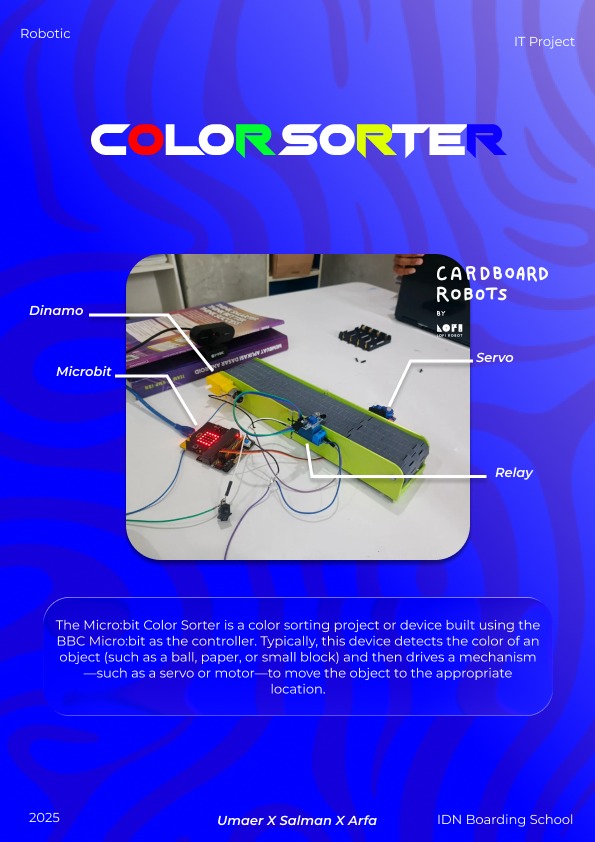
Color Sorter

IT LAST PROJECT - Color Sorter

Hello guys! Today I’m giving a detailed and easy-to-follow tutorial on creating a Microbit temperature project using Microsoft MakeCode. You’ll only need a Microbit, a USB cable, and a browser to start programming. This video is IT Tutorial 2, recorded right after the first presentation, and the complete guide is already posted on my website. In this tutorial, I explain every step clearly—from connecting the Microbit to coding the temperature display—so you can learn, practice, and understand how it all works. I hope this helps you build your own project confidently. Enjoy learning and have fun experimenting!

The Poster

Categories
Project IT

IT Tutor 2 GRD 8

IT Tutorial - Grade 8

Hello guys! Now I’m giving a full tutorial about making a Microbit temperature project, and in this tutorial I’ll be using Microsoft MakeCode along with a Microbit, of course. This video is part of my IT Tutorial series, and this one is IT Tutorial 2, which is the recording. The first one was the presentation, and now I’m continuing it with a step-by-step guide. I explain how to set up the Microbit, how to open MakeCode, and how to program the temperature feature so you can follow along easily. The complete tutorial, including this recording and all the instructions, is also available on my website in the post section, so you can read it anytime you want. Enjoy learning!

Categories
Project IT

Tinybit Hand Gesture

TinyBit Hand Gesture

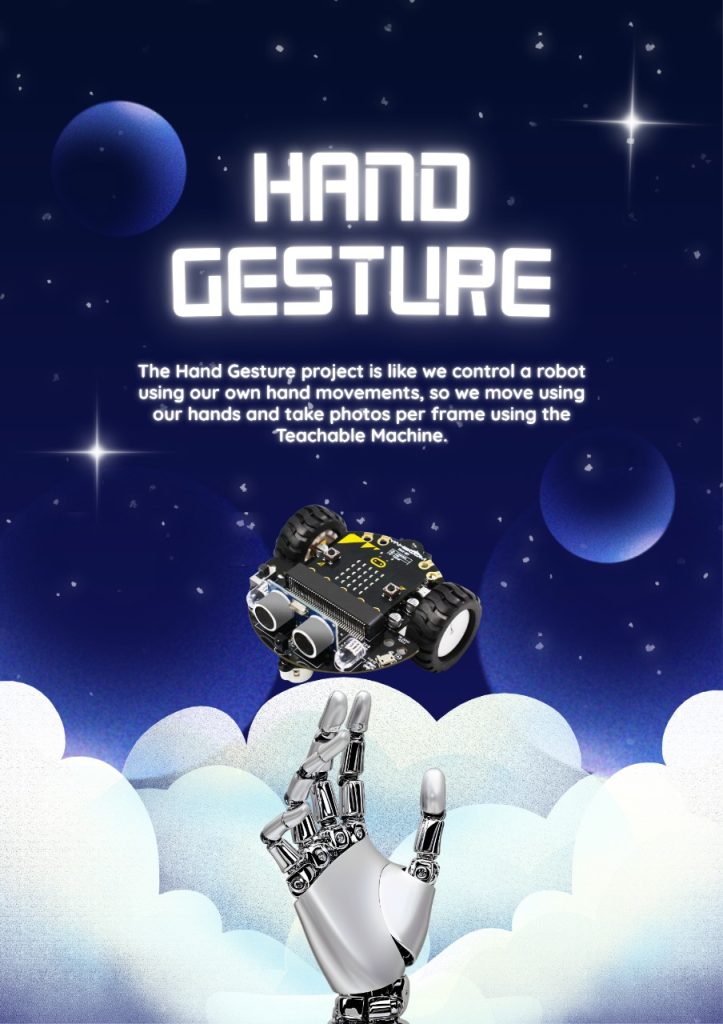
Hello Guys, Now its the tinybit hand gesture and this is using teachable machine, by google, we made a three signal which is stop, move, and turn right(no turn left btw), and this is using teams, although its only two members, but its quite fun

Video About TinyBit Hand Gesture

This is about the video, its inside and opening, explaining the code, and how it works with its Demoing it

Categories
Project IT

soccer robot OG

Soccer robot using Tinybit

So here we learn about Tinybit soccer but there is a plus, at the end of the tutorial there is a robot soccer match, so the tinybit has many kinds of components, explained in the video, the components are rotors, wheels, extensions, IR sensors, and the tinybit itself and ultrasonic sensors too, but the Microbit is sold separately, (there is a pack too but the basic tinybit package is only the tinybit itself, not the microbit)

Categories
Project IT

Tinybit Bluetooth

Tinybit ( Bluetooth)

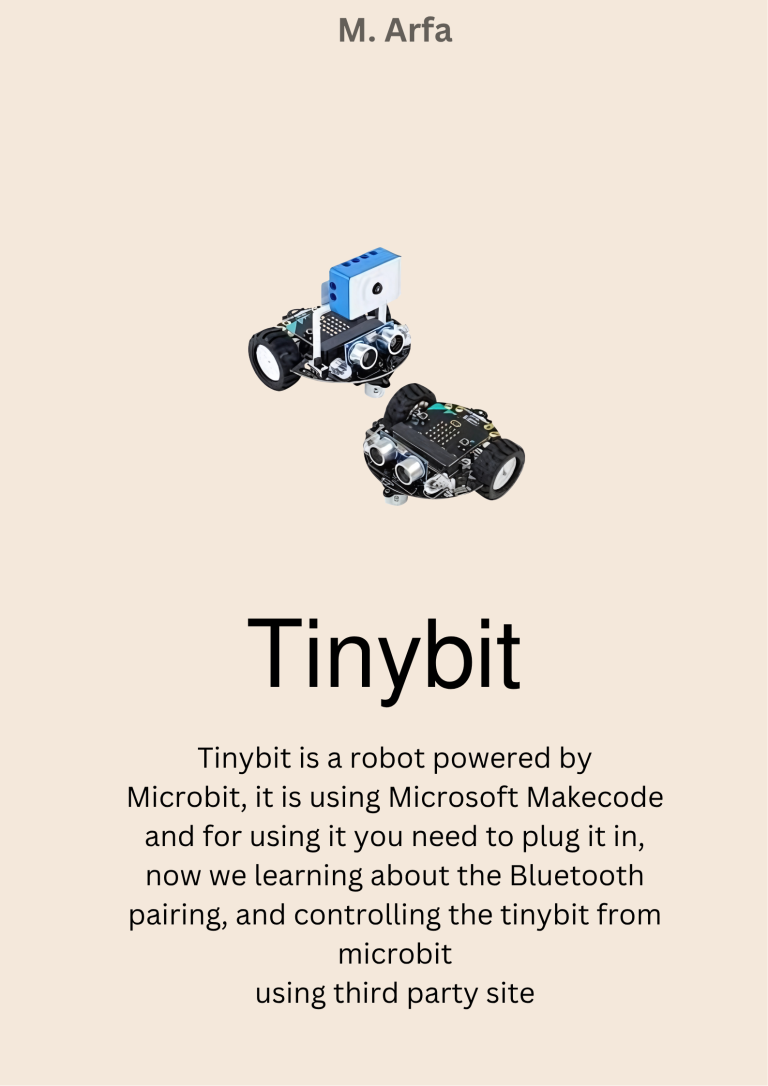
This is my first project ever in 8 Grade, it is tiny bit but this one using Bluetooth, so there is the extension in the Microsoft make code, and using third party site to control it like the arrow for going foward, left, right, back, and horn button also, can be code using the microsoft makecode (still), because its the helper.

The poster about tinybit

The poster about tinybit

Categories
Project IT

Drone Tello

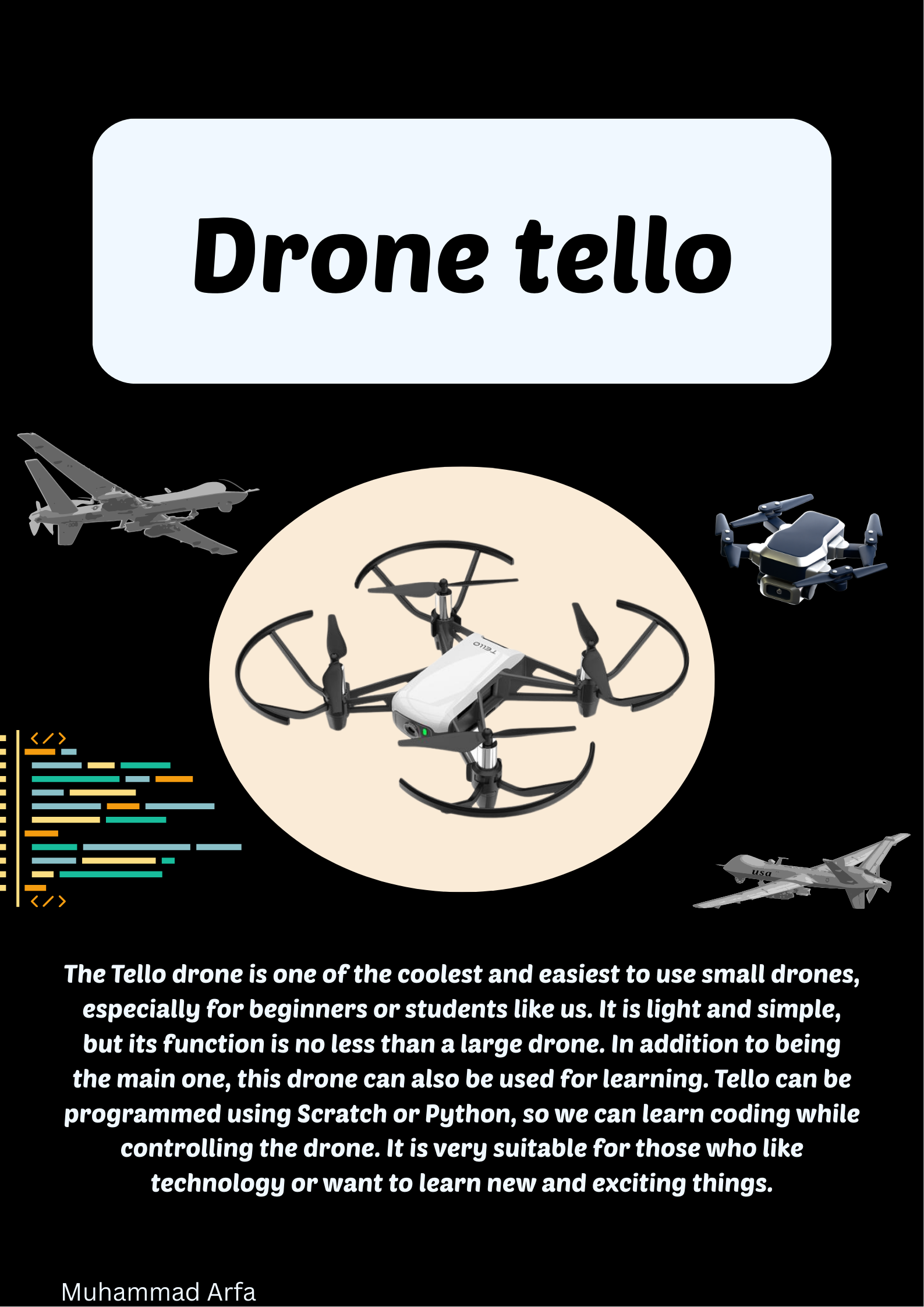
Drone Tello

In here i just demo you guys about a drone tello you guys can coding code it in the Scratch, by using the drone extension for scratch, called scratch 3.0 tello or you can control it directly in the drone tello app in the phone and for pc’s, you can code it using DroneBlocks app

Poster

Categories
Project IT

Smart trashbin yes

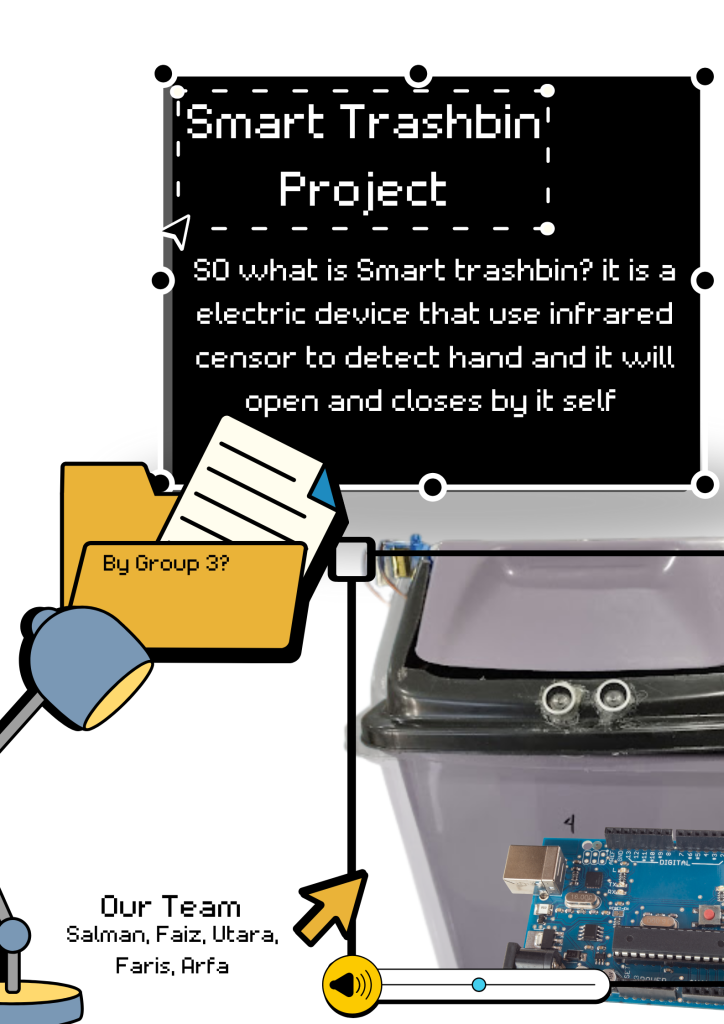
Smart trashbin

So, in here, i uploaded a video of taking a demo of a trash bin, and there is the ultrasonic censor, and the bunch of a cable jumpers, followed with the servo, and the arduino uno, and the trashbin it self, and this was coded and developed with the pictoblox app, and the arduino componetns, to make it works.

POSTER

Poster about smart trashbin !

Categories
Project IT

Smart parking

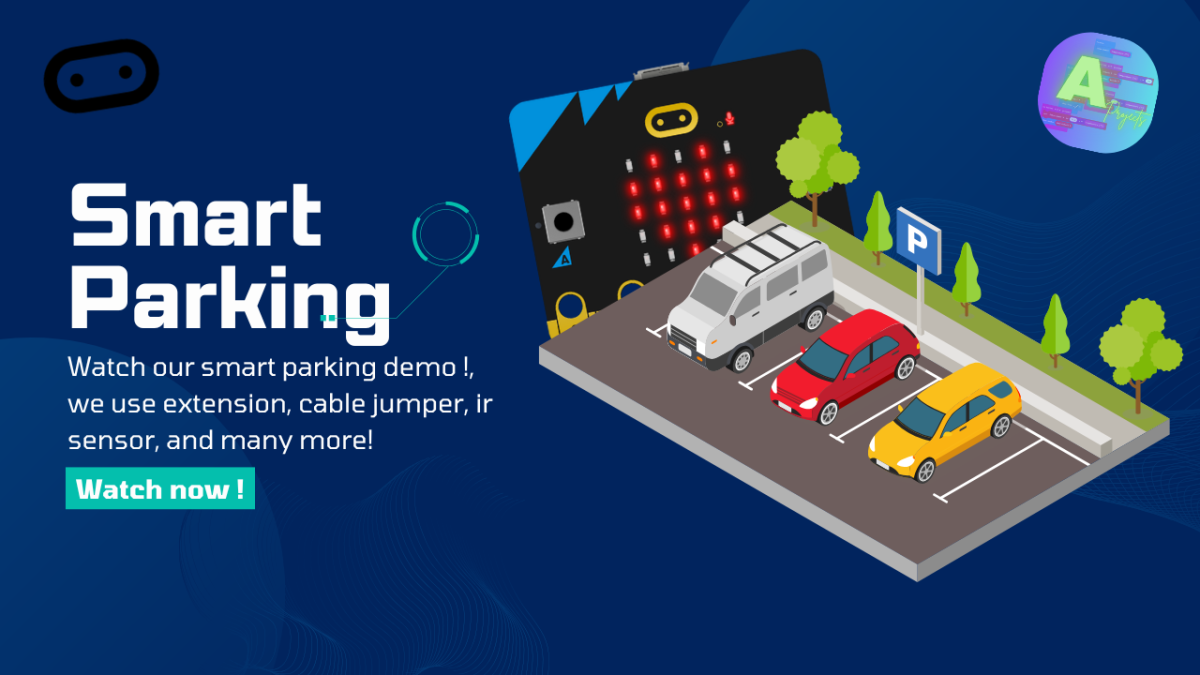
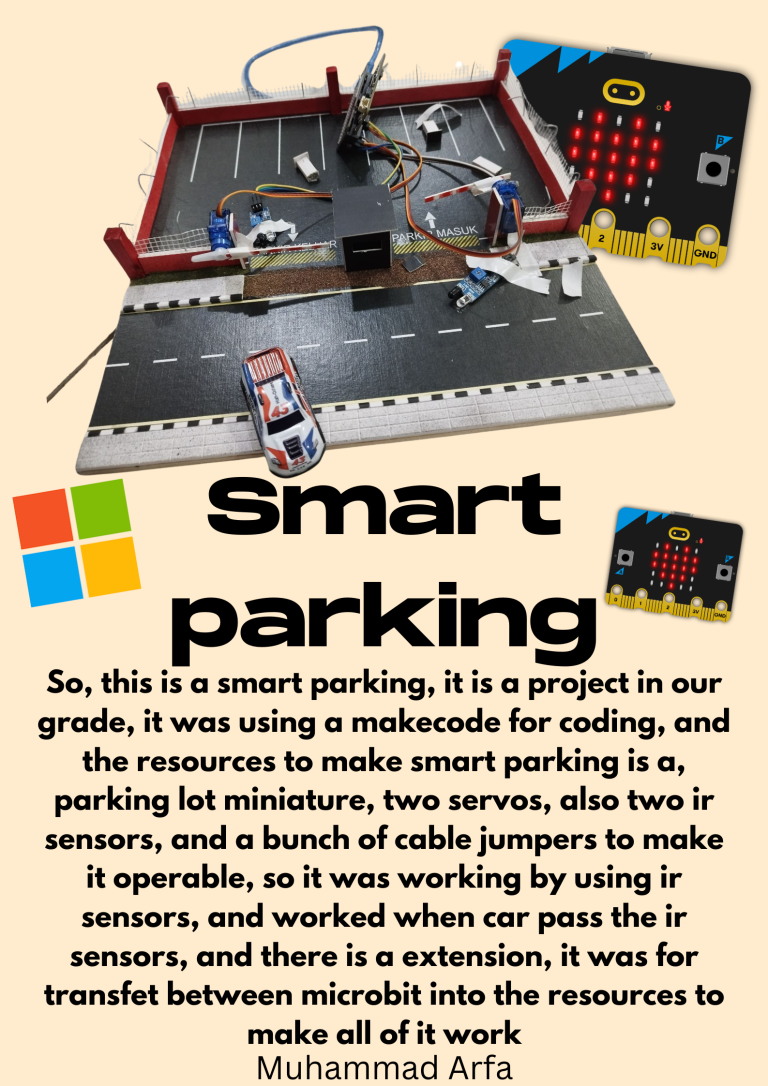
Smart Parking

Your Smart Parking system sounds like a remarkable achievement, Arfa, especially since you started from scratch and coded it entirely using Microsoft MakeCode! Collaborating with Ashif must have added valuable insights and made the project even more rewarding. Crafting something so practical and innovative, likely using features like vehicle detection or space optimization, highlights both your technical skills and problem-solving abilities. It’s incredible to see such dedication and teamwork result in a project with real-world applications. I hope the process was as fulfilling as the outcome! happy go home !